Microsoft Teams Audio Not Working
1. Restart Microsoft Teams
To fix audio that isn't working, rebooting or restarting your device is usually step one.
To "Quit" Teams, right click on the Teams icon at the bottom toolbar of your computer and select “Quit”
2. Check if you are muted

3. Make a test call on Microsoft Teams

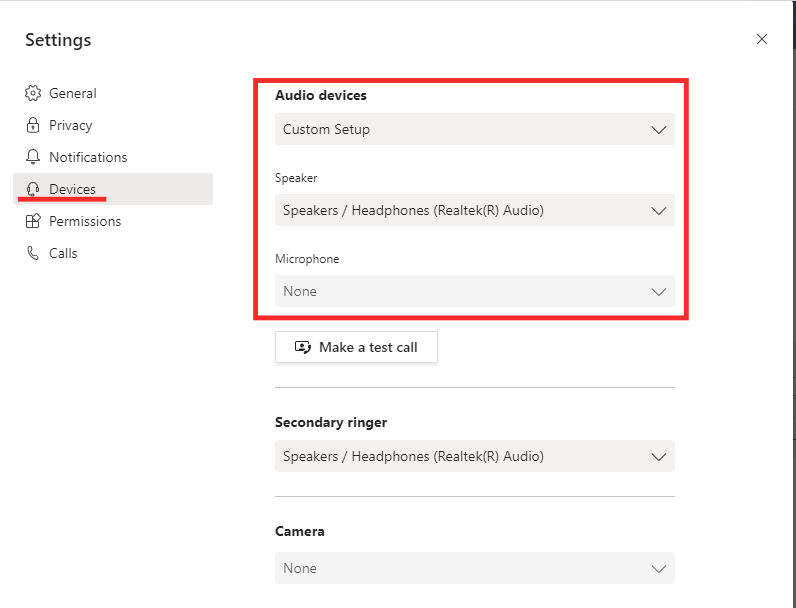
4. Select the correct device
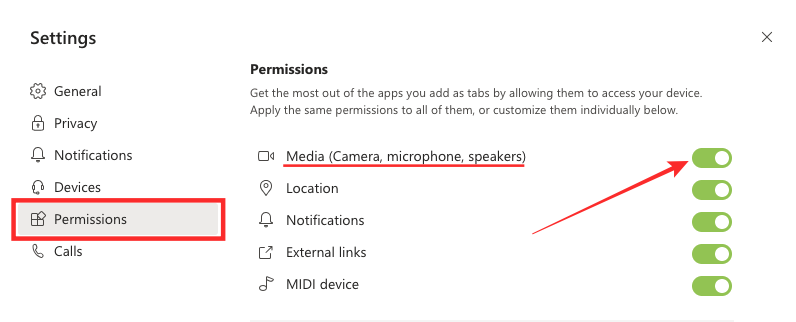
5. Allow Media Permissions inside the Teams app