Printer Paper Jam
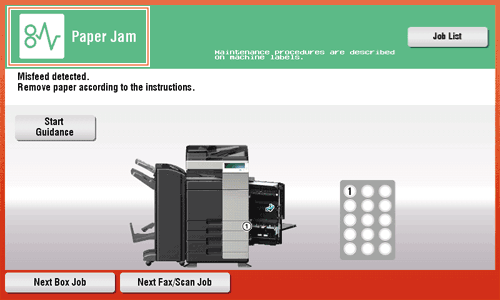
Check the following items:
- Check for any pieces of paper left in the back of the section indicated on the Touch Panel. If the paper cannot be easily removed, do not continue; instead contact IT Support.
- Once again, open and close the door at the section with the location number indicated on the Touch Panel. This action may clear the message.
Contact yourIT Support if the paper jam indication persists even after you have checked.